 Almaftuchin
 Faronics Deep Freeze

Brand:
Checking..
SKU:
Checking..
Version:
Checking...
Operating System:
Windows 7
License Type:
Serial Key
Delivery:
Screenshots:
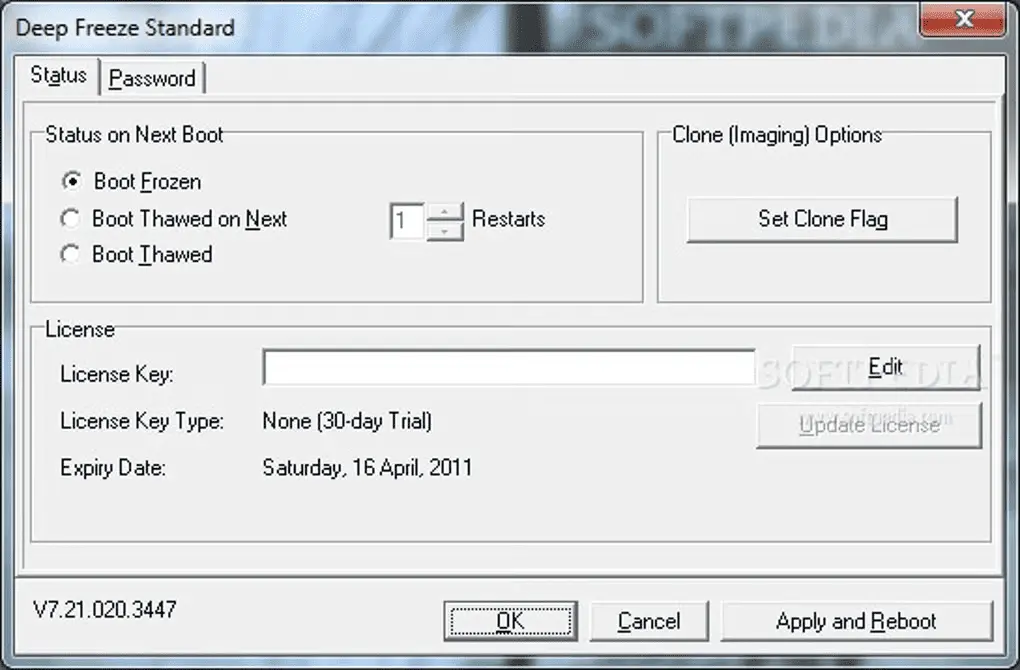
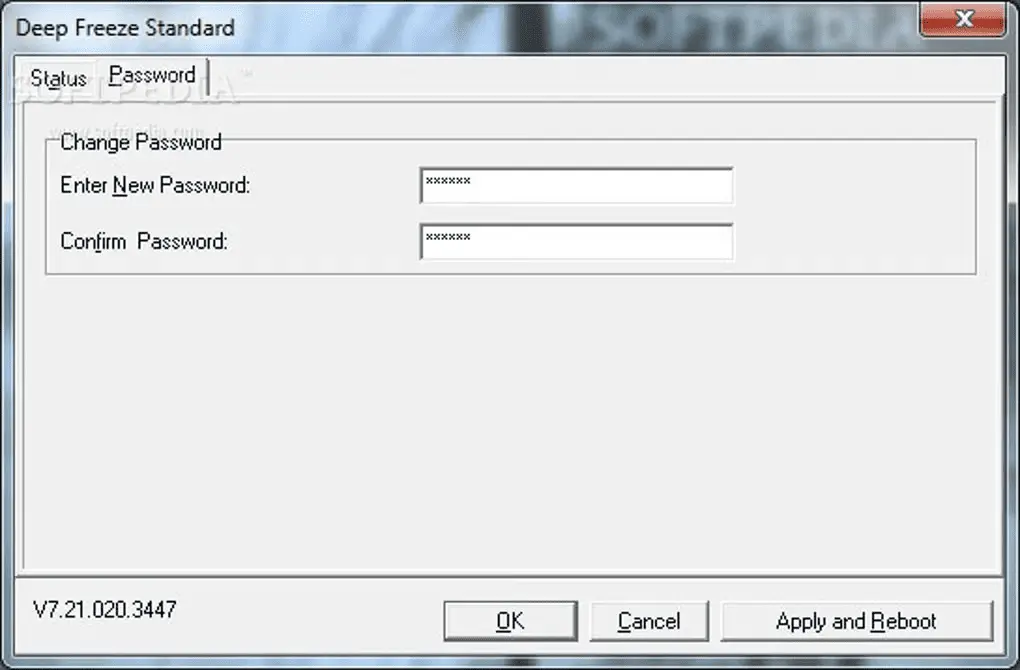
Select License:
About Faronics Deep Freeze
Faronics Deep Freeze is a "reboot-to-restore" program by Faronics designed to secure and protect Windows and macOS operating system configurations. It works by freezing the desired system configuration. Once enabled, any changes made—whether intentional or accidental, including malware infections—are erased when the computer restarts, returning the system to its initial frozen state.
Key Features:
- Reboot-to-Restore: Restores the system to its initial state every time the computer is restarted.
- Data Protection: Protects data and system configurations from unwanted changes.
- Easy Management: Intuitive user interface to manage Faronics Deep Freeze settings.
- Compatibility: Supports various versions of Windows and macOS.
- Thaw Mode: Allows users to make temporary changes to the system that will be saved after the next restart.
- Quick Recovery: Enables quick recovery from system issues without the need to reinstall the OS.
- Multi-Language Support: Supports multiple languages for global user convenience.
How to Activate Faronics Deep Freeze
-
Download Installer
Download and install Faronics Deep Freeze. Check "Use Evaluation" during installation. The device will then restart automatically.
-
Open Program
Open Faronics Deep Freeze by holding CTRL + Left Click on the Deep Freeze icon.
-
Set Password
Click Yes if you want to set a password or click No if you don't.
-
Deep Freeze Config
In Deep Freeze Config, select the Boot Control tab
- Click Enter License Key
- Click Update License
- Click Activation Options
- Click Activation Offline
- Enter License Code
- Click Next > Next
- Done
Frequently Asked Questions
How long does the delivery process take?
Delivery will be processed immediately after payment is verified and during our store's working hours.
Can it be installed on a Mac?
No, Faronics Deep Freeze only supports the Windows operating system.
Do you provide usage tutorials?
No, we do not provide usage tutorials. Please visit the official website or search on Google for more information.
What if I need installation help?
Our admin is ready to help you via WhatsApp or email.
How long is the product warranty period?
This product comes with a 30-day warranty.
Is there a money-back guarantee?
Yes, we provide a 100% money-back guarantee if the product does not match what we sell. (Please read the Warranty Terms and Conditions for more details.)