 Almaftuchin
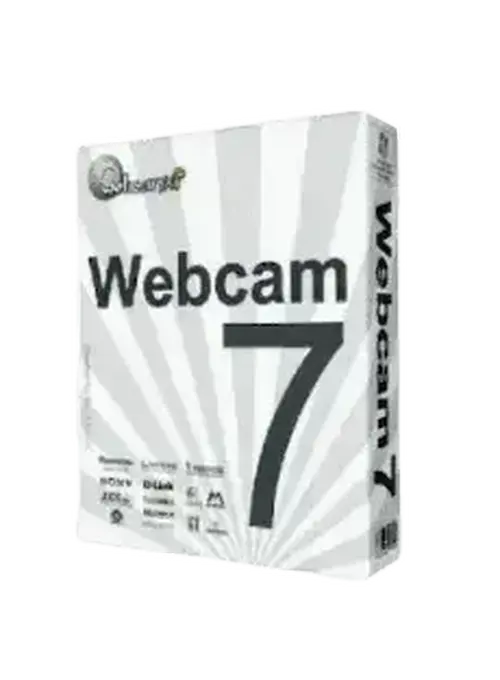
 WebcamXP Webcam 7
Brand:
Checking..
SKU:
Checking..
Version:
Checking...
Operating System:
Windows
License Type:
Serial Key
Delivery:
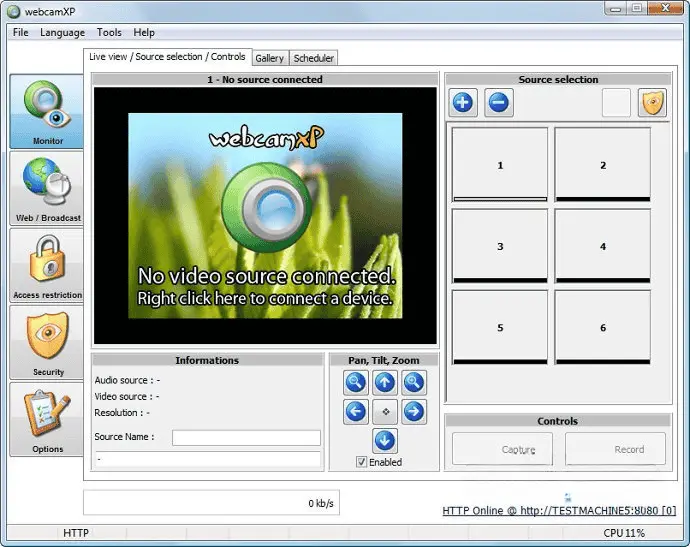
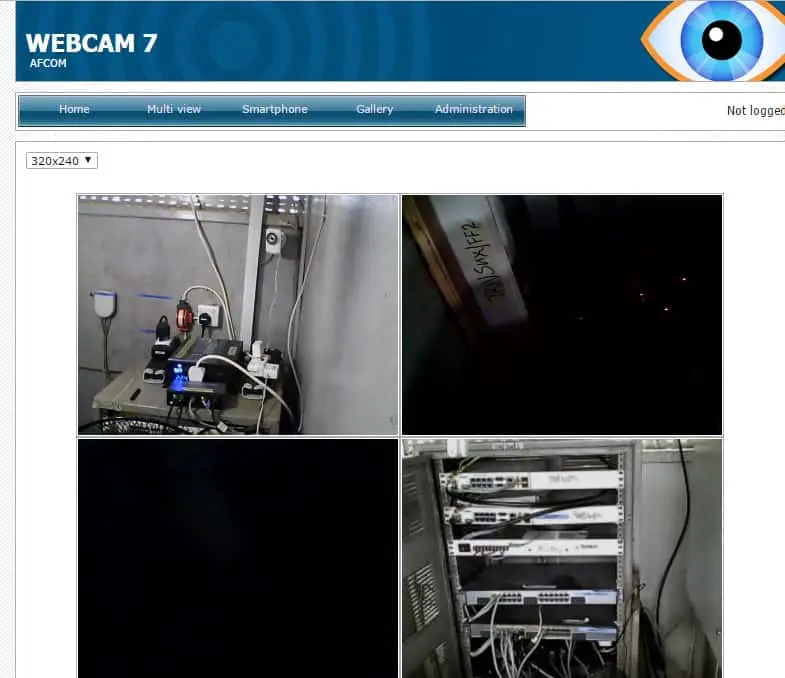
Screenshots:
Select License:
About WebcamXP Webcam 7
WebcamXP Webcam 7 is a software program designed to manage and stream video from webcams, network cameras (IP cameras), and other video devices over the internet. This program is an advanced version of WebcamXP and is aimed at securing your home or property, as well as streaming live video to websites or mobile phones.
Key Features:
- Multi-Camera: Supports up to 36 cameras simultaneously, allowing you to manage multiple video sources in a single interface.
- Video Streaming: Provides the ability to stream live video to websites or mobile devices, enabling remote access to your cameras.
- Motion Detection: Motion detection feature that can send email notifications or save recordings when activity is detected.
- Video Recording: Supports video recording from cameras, with options for local or cloud storage.
- Web Interface: A web-based interface that allows you to access and manage your cameras from anywhere via a web browser.
- Camera Compatibility: Supports various types of cameras, including USB cameras, IP cameras, and other video devices.
- Scheduling: Allows you to set recording or streaming schedules according to your needs.
- Security: Security features to protect access to your cameras and video data.
- Cloud Service Integration: Supports integration with cloud services for easier video storage and access.
- User-Friendly Interface: An intuitive and easy-to-use interface design, suitable for users with varying levels of technical expertise.
How to Activate WebcamXP Webcam 7
-
Download Installer
Download and install WebcamXP Webcam 7.
- Open Program
- Enter Email, Name, and License Key
- Click Register
- Done
Frequently Asked Questions
How long does the delivery process take?
Delivery will be processed immediately after payment is verified and during our store's working hours.
Can it be installed on Android, Mac, and iOS?
No, WebcamXP Webcam 7 only supports installation on Windows.
Do you provide usage tutorials?
No, we do not provide usage tutorials. Please visit the official website or search on Google for more information.
What if I need installation help?
Our admin is ready to help you via WhatsApp or email.
How long is the product warranty period?
This product comes with a 30-day warranty.
Is there a money-back guarantee?
Yes, we provide a 100% money-back guarantee if the product does not match what we sell. (Please read the Warranty Terms and Conditions for more details.)