 Almaftuchin
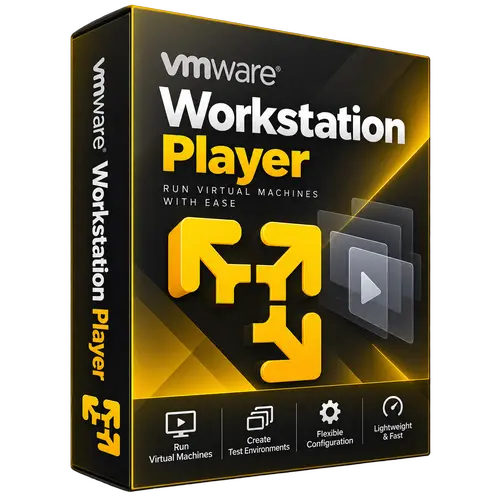
 VMware Workstation Player
Brand:
Checking..
SKU:
Checking..
Version:
Checking...
Operating System:
Windows
License Type:
Serial Key
Delivery:
Screenshots:
Select License:
About VMware Workstation Player
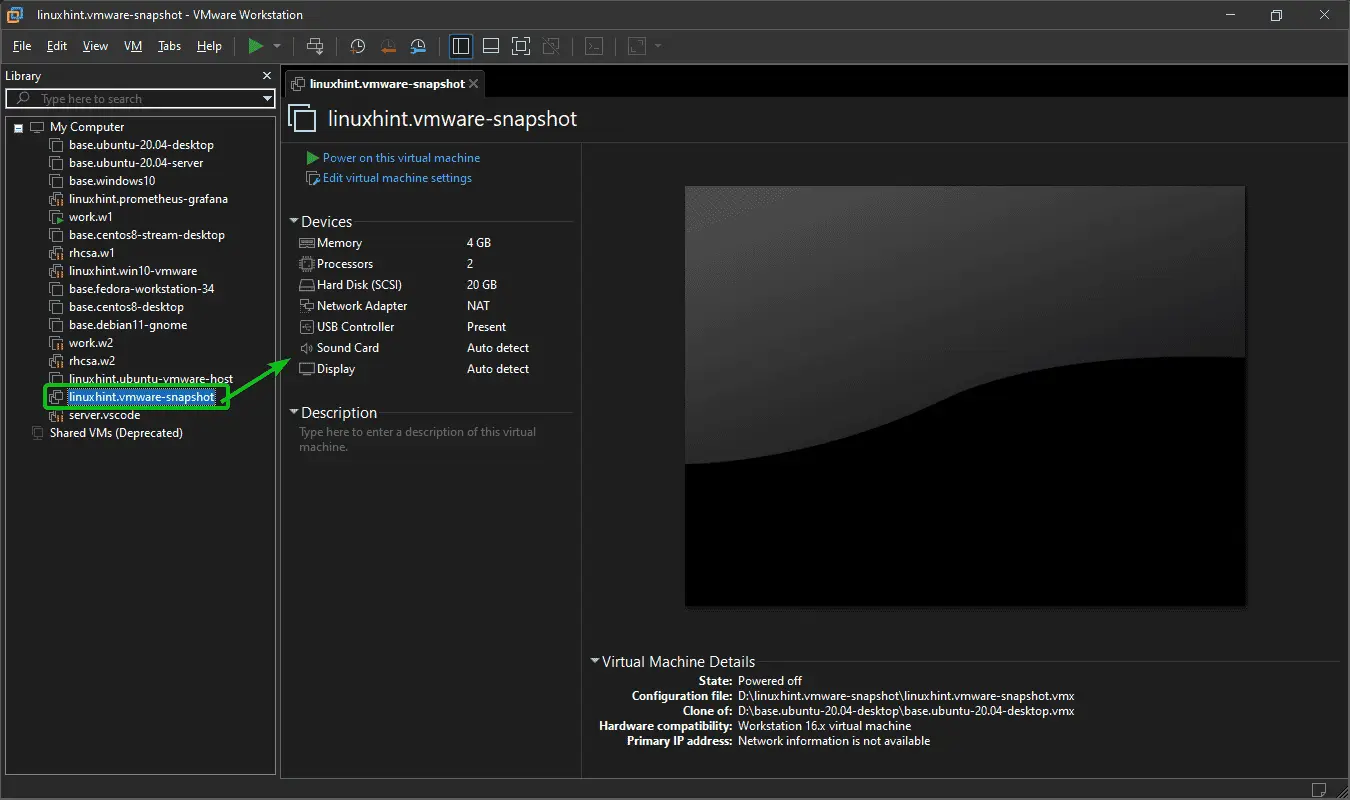
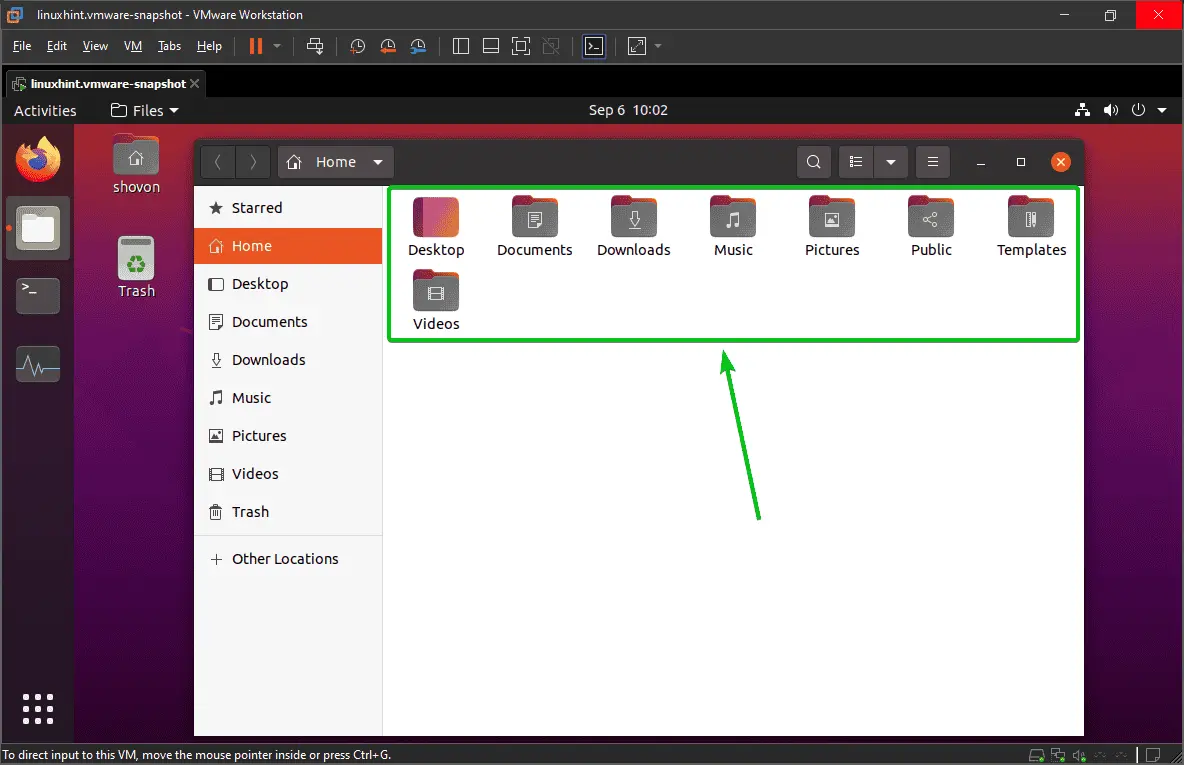
VMware Workstation Player is a free virtualization software that allows you to run other operating systems (such as Linux or Windows) inside an existing physical computer (called a virtual machine or VM). This software is designed for general users who want to experiment with new operating systems, run applications, or create isolated environments for learning or testing purposes without disrupting their main operating system.
Key Features:
- Free for Non-Commercial Use: VMware Workstation Player can be used for free for personal and non-commercial purposes.
- Supports Various Operating Systems: Can run multiple guest operating systems, including various Linux distributions, Windows, and others.
- Simple Interface: Features an intuitive and user-friendly interface, suitable for beginners.
- Snapshot: Although not as comprehensive as the Pro version, basic snapshot features are available to save VM states.
- High Performance: Uses advanced virtualization technology to deliver good performance on virtual machines.
- Hardware Support: Supports various hardware components such as USB, networking, and more within the VM.
- Integration with VMware Workstation Pro: Can open and run virtual machines created with VMware Workstation Pro.
How to Activate VMware Workstation Player
-
Download Installer
Download and install VMware Workstation Player.
- Open Program
- Click the "Status" tab
- Click the "Enter License Code" tab
- Enter License Code
- Done
Frequently Asked Questions
How long does the delivery process take?
Delivery will be processed immediately after payment is verified and during our store's working hours.
Can it be installed on a Mac?
No, VMware Workstation Player only supports the Windows platform.
Do you provide usage tutorials?
No, we do not provide usage tutorials. Please visit the official website or search on Google for more information.
What if I need installation assistance?
Our admin is ready to help you via WhatsApp or email.
How long is the product warranty period?
This product comes with a 30-day warranty.
Is there a money-back guarantee?
Yes, we offer a 100% money-back guarantee if the product does not match what we sell. (Please read the Warranty Terms and Conditions for more details.)