 Almaftuchin
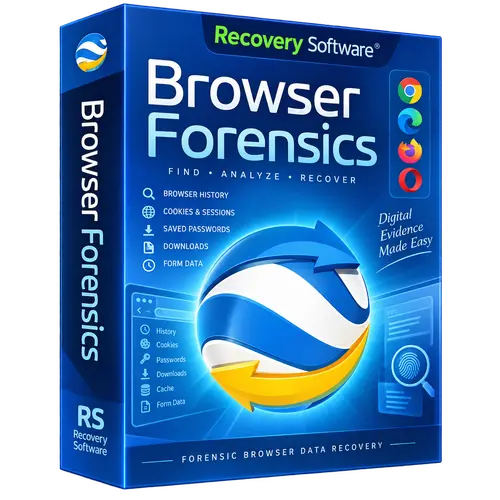
 RS Browser Forensics
Brand:
Checking..
SKU:
Checking..
Version:
Checking...
Operating System:
Windows
License Type:
Serial Key
Delivery:
Screenshots:
Select License:
About RS Browser Forensics
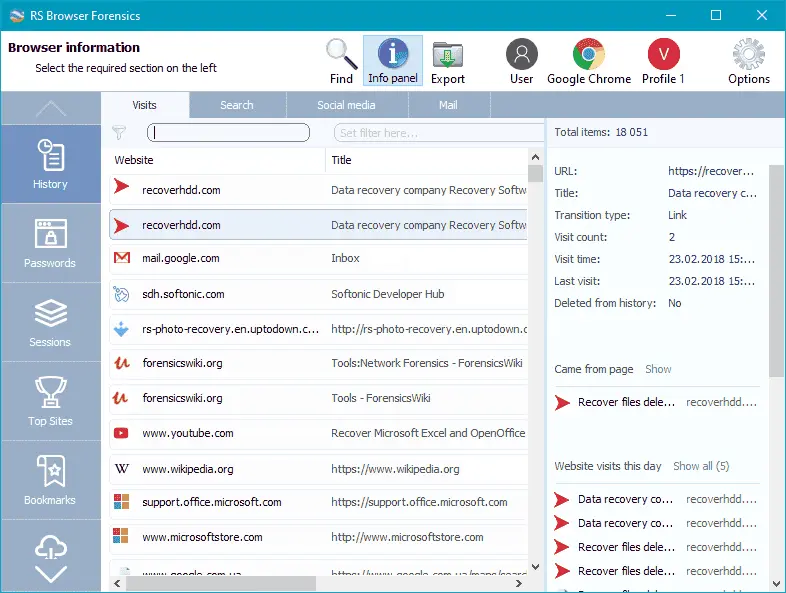
RS Browser Forensics is a digital forensics tool for Windows used to investigate and analyze web browsing activity on computers. The program can extract and recover various data traces left behind by web browsers, including deleted browsing history and private or Incognito browsing sessions.
Key Features:
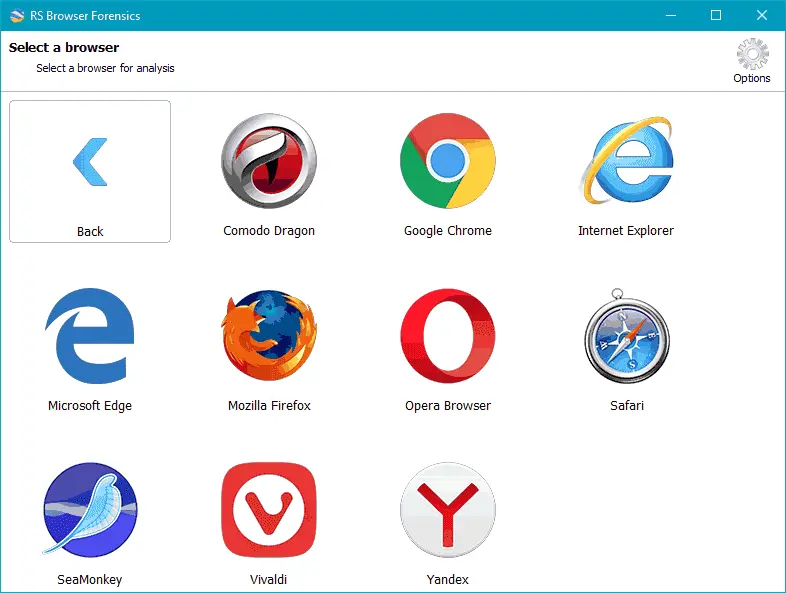
- Data Extraction: Supports data extraction from popular browsers such as Google Chrome, Mozilla Firefox, Microsoft Edge, Opera, and others.
- Deleted Data Recovery: Capable of recovering browsing history that has been deleted by the user.
- Private Session Analysis: Can access and analyze data from private or Incognito browsing sessions.
- Intuitive User Interface: Provides an easy-to-use interface to streamline the investigation process.
- Detailed Reports: Generates comprehensive reports on the web browsing activity found.
How to Activate RS Browser Forensics
-
Download Installer
Download and install RS Browser Forensics.
- Open the Program
- Click Help
- Click Registration
- Enter License Code
- Click OK
- Done
Frequently Asked Questions
How long does the delivery process take?
Delivery will be processed immediately after payment is verified and during our store's working hours.
Can it be installed on Android, Mac, and iOS?
No, RS Browser Forensics only supports installation on Windows.
Do you provide usage tutorials?
No, we do not provide usage tutorials. Please visit the official website or search on Google for more information.
What if I need installation assistance?
Our admin is ready to help you via WhatsApp or email.
How long is the product warranty period?
This product comes with a 30-day warranty.
Is there a money-back guarantee?
Yes, we offer a 100% money-back guarantee if the product does not match what we sell. (Please read the Warranty Terms and Conditions for more details.)