 Almaftuchin
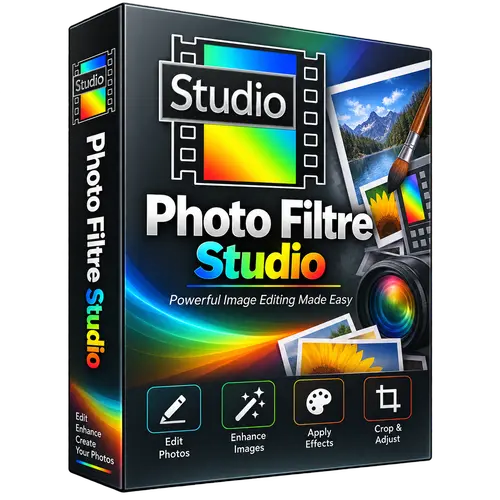
 Photo Filtre Studio
Brand:
Checking..
SKU:
Checking..
Version:
Checking...
Operating System:
Windows
License Type:
Serial Key
Delivery:
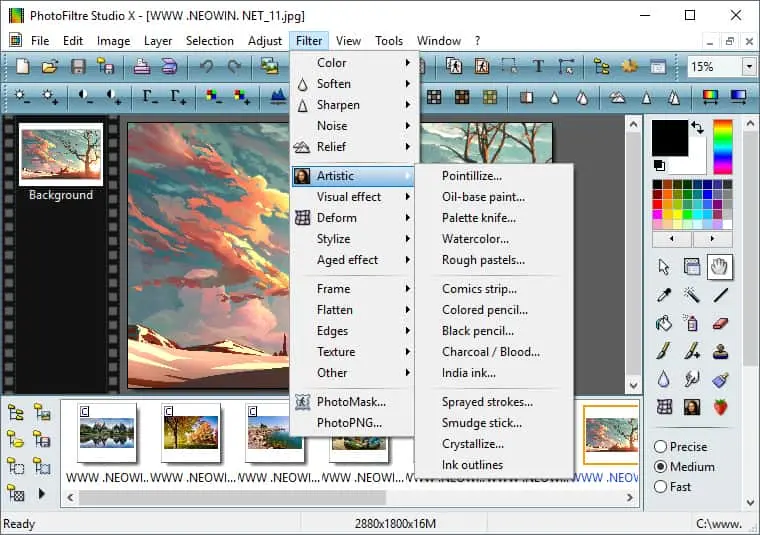
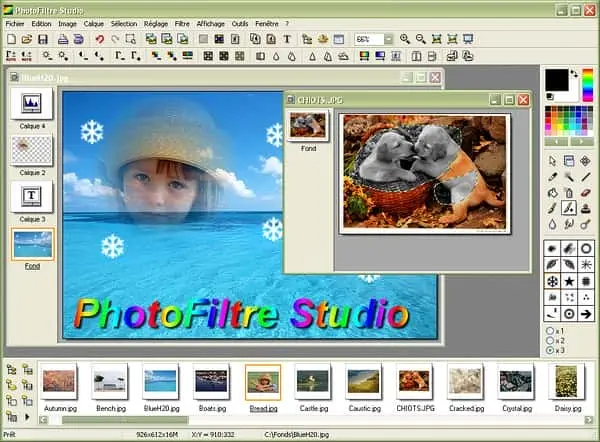
Screenshots:
Select License:
About Photo Filtre Studio
Photo Filtre Studio is a paid image editing software developed by Antonio Da Cruz. It is well-known for its lightweight size, ease of use, and simpler interface compared to professional graphic editors like Adobe Photoshop. The latest available version is PhotoFiltre Studio 11.
Key Features:
- Complete Editing Tools: Photo Filtre Studio offers a variety of image editing tools, including brushes, pens, erasers, and selection tools. This allows users to perform various editing tasks easily.
- Filters and Effects: The software comes with various filters and effects that can be applied to images to enhance their visual appearance. Users can adjust brightness, contrast, saturation, and much more.
- Wide File Format Support: Photo Filtre Studio supports popular image file formats such as JPEG, PNG, BMP, GIF, and TIFF. This allows users to work with different types of files without compatibility issues.
- User-Friendly Interface: The Photo Filtre Studio interface is designed to be easily used by both beginners and experienced users. The tools are well-organized and easily accessible.
- Batch Editing: The batch editing feature allows users to apply changes to multiple images at once, saving time and effort.
- Plugin Support: Photo Filtre Studio supports third-party plugins that can expand the software's functionality. This allows users to add extra features according to their needs.
- Fast Processing: Despite its small size, Photo Filtre Studio is capable of handling image editing tasks quickly and efficiently.
- Operating System Compatibility: Photo Filtre Studio is compatible with various versions of Windows, including Windows 10, 8, and 7.
How to Activate Photo Filtre Studio
-
Download Installer
Download and install Photo Filtre Studio.
- Open the Program
- Click "Help"
- Click "Register"
- Enter Username and License Key
- Click "Register"
- Done
Frequently Asked Questions
How long does the delivery process take?
Delivery will be processed immediately after payment is verified and during our store's working hours.
Can it be installed on Android, Mac, and iOS?
No, Photo Filtre Studio only supports installation on Windows.
Do you provide usage tutorials?
No, we do not provide usage tutorials. Please visit the official website or search on Google for more information.
What if I need installation assistance?
Our admin is ready to help you via WhatsApp or email.
How long is the product warranty period?
This product comes with a 30-day warranty.
Is there a money-back guarantee?
Yes, we provide a 100% money-back guarantee if the product does not match what we sell. (Please read the Warranty Terms and Conditions for more details.)