 Almaftuchin
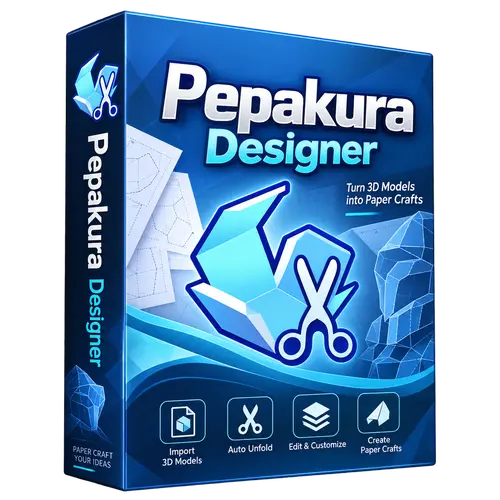
 Pepakura Designer
Brand:
Checking..
SKU:
Checking..
Version:
Checking...
Operating System:
Windows
License Type:
Serial Key
Delivery:
Screenshots:
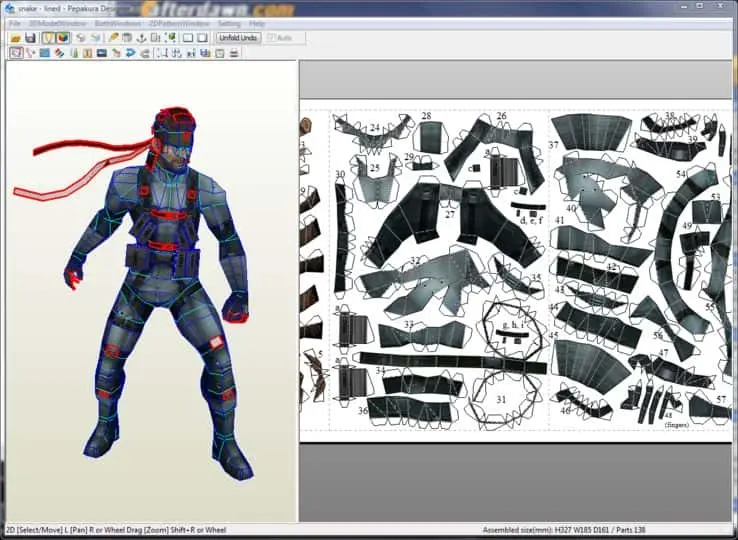
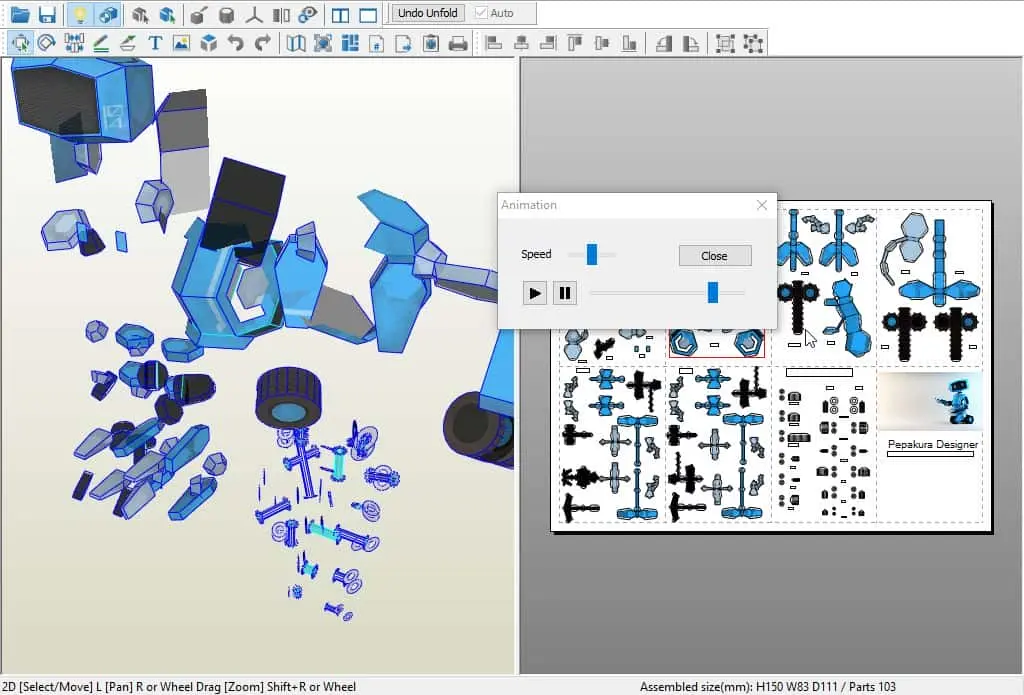
Select License:
About Pepakura Designer
Pepakura Designer is paid software used to create papercraft patterns from digital 3D models. This software was developed by the Japanese company, Tama Software.
Key Features:
- 3D Model to 2D Pattern Conversion: Pepakura Designer allows users to import 3D models in various formats (such as OBJ, STL, and others) and convert them into 2D patterns that can be printed and cut to build physical models.
- Flexible Pattern Settings: Users can adjust the size, scale, and orientation of patterns to suit their needs. This allows the creation of models with the desired level of detail.
- Intuitive User Interface: Pepakura Designer features an easy-to-use interface, allowing users of various skill levels to quickly understand how the software works.
- Tagging and Numbering Feature: The software provides tools to label pattern parts and number each section, simplifying the physical model assembly process.
- Direct Printing: Once the pattern is completed, users can print it directly from the software or save it in PDF format to print later.
- Support for Various Paper Types: Pepakura Designer supports various types of paper, including regular paper, cardstock, and specialty paper for papercrafts.
- Active User Community: There is an active Pepakura Designer user community where users can share patterns, tips, and tricks to maximize the use of this software.
How to Activate Pepakura Designer
-
Download Installer
Download and install Pepakura Designer.
- Open the Program
- Click "Help"
- Click "Enter key code"
- Enter License Code
- Done
Frequently Asked Questions
How long does the delivery process take?
Delivery will be processed immediately after payment is verified and during our store's working hours.
Can it be installed on Android, Mac, and iOS?
No, Pepakura Designer only supports installation on Windows.
Do you provide usage tutorials?
No, we do not provide usage tutorials. Please visit the official website or search Google for more information.
What if I need installation assistance?
Our admin is ready to help you via WhatsApp or email.
How long is the product warranty period?
This product comes with a 30-day warranty.
Is there a money-back guarantee?
Yes, we provide a 100% money-back guarantee if the product does not match what we sell. (Please read the Warranty Terms and Conditions for more details.)