 Almaftuchin
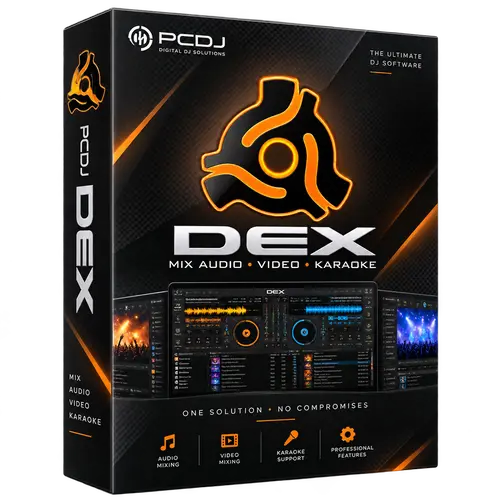
 PCDJ Dex
Brand:
Checking..
SKU:
Checking..
Version:
Checking...
Operating System:
Windows
License Type:
Serial Key
Delivery:
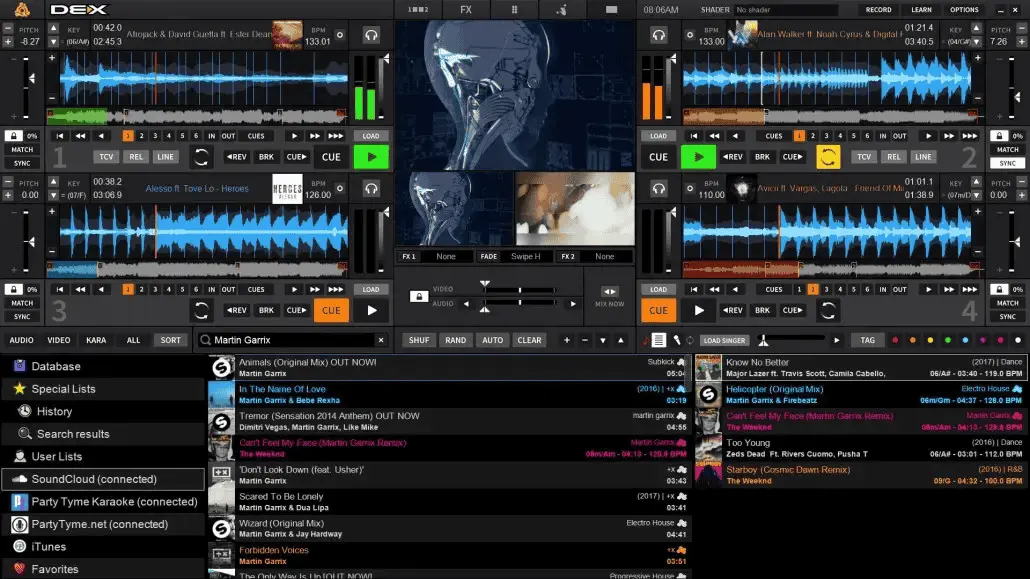
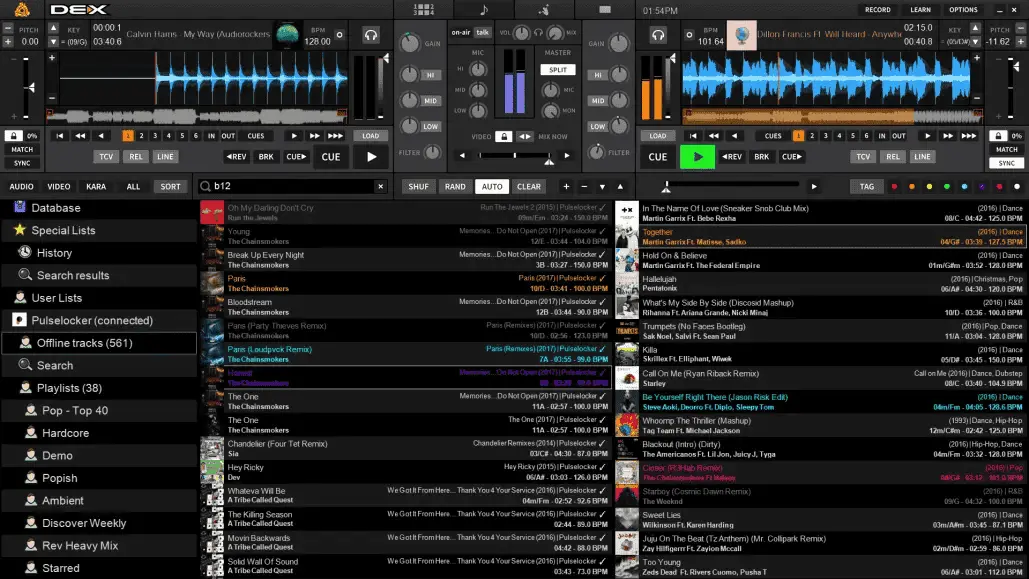
Screenshots:
Select License:
About PCDJ Dex
PCDJ Dex is a comprehensive DJ software for Windows and macOS, allowing you to mix music, music videos, and host karaoke. It is designed for both professional DJs and hobbyists who want to mix media across various formats with precise control. The latest available version is PCDJ Dex 4, claimed as an all-in-one DJ solution.
Key Features:
- Supports Various File Formats: PCDJ Dex supports a wide range of audio and video file formats, including MP3, WAV, AAC, FLAC, AVI, MP4, and many more.
- Intuitive User Interface: The software features an easy-to-use interface, allowing DJs of all skill levels to navigate and use its features effortlessly.
- Advanced Mixing Features: PCDJ Dex offers various advanced mixing tools such as automatic beatmatching, tempo synchronization, real-time audio effects, and complete EQ controls.
- Video and Karaoke Playback: In addition to mixing music, PCDJ Dex also allows music video and karaoke playback with customizable lyrics support.
- DJ Hardware Integration: The software is compatible with a wide variety of popular DJ hardware, including MIDI controllers and external mixers.
- Integrated Music Library: PCDJ Dex provides an integrated music library that makes it easy for users to manage and access their music collections.
- DJ Set Recording: The recording feature allows DJs to record their sets directly from the software for sharing or archiving.
- Multi-Deck Support: PCDJ Dex supports up to four simultaneous playback decks, allowing for more complex and creative mixing.
- Regular Updates: PCDJ regularly releases software updates to introduce new features, improve performance, and fix bugs.
How to Activate PCDJ Dex
-
Download Installer
Download and install PCDJ Dex.
- Open Program
- Click "Start Demo Session"
- Click "Click here to buy/unlock the full version"
- Click "I already bought it"
- Enter "Authorization Key" and "Activation Code"
- Click "Unlock"
- Done
Frequently Asked Questions
How long does the delivery process take?
Delivery will be processed immediately after payment is verified and during our store's working hours.
Can it be installed on Android, Mac, and iOS?
No, PCDJ Dex only supports installation on Windows.
Do you provide usage tutorials?
No, we do not provide usage tutorials. Please visit the official website or search on Google for more information.
What if I need installation assistance?
Our admin is ready to help you via WhatsApp or email.
How long is the product warranty period?
This product comes with a 30-day warranty.
Is there a money-back guarantee?
Yes, we provide a 100% money-back guarantee if the product does not match what we sell. (Please read the Warranty Terms and Conditions for more details.)