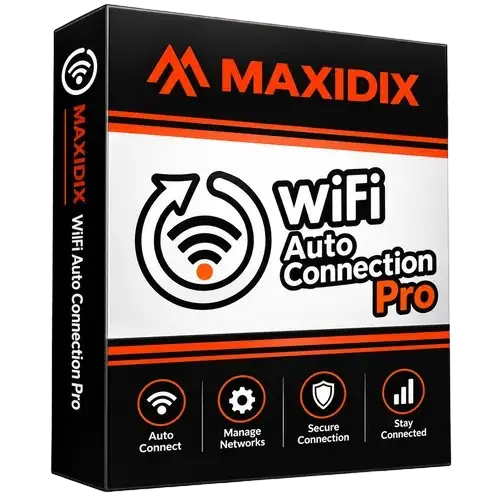
Maxidix WiFi Auto Connection Pro
Brand:
Checking..
SKU:
maxidix_wifi_auto_connection
Version:
Checking...
Operating System:
Windows
License Type:
Serial Key
Delivery:
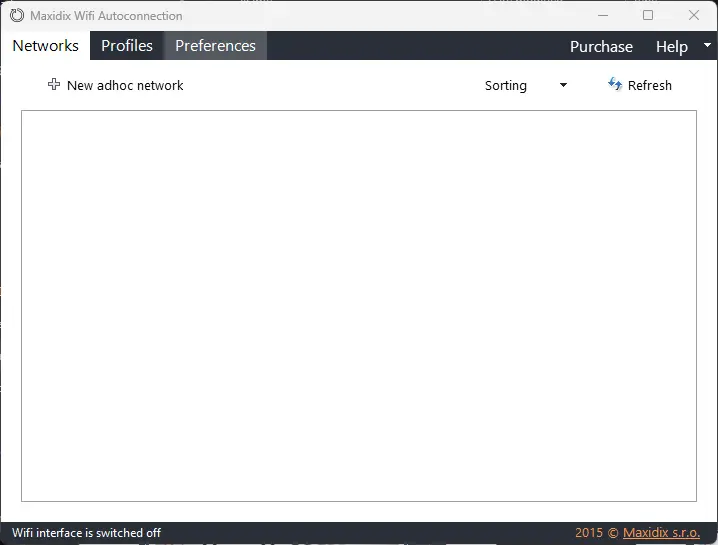
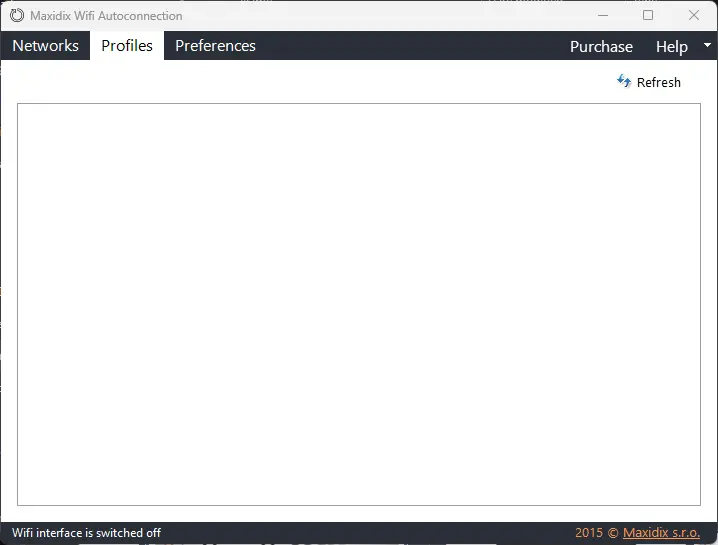
Screenshots:
Select License:
About Maxidix WiFi Auto Connection Pro
Maxidix Wifi Autoconnection (often referred to as part of the Maxidix Wifi Suite) is Windows software designed to automate connections to wireless networks, especially Ad-Hoc networks (computer-to-computer).
This application was created to overcome the limitations of the Windows operating system (from the Windows Vista, 7, up to Windows 10/11 eras) which natively makes it difficult or does not allow computers to detect and connect to Ad-Hoc networks automatically without the help of a Wireless Access Point (WAP) hardware.
Key Features:
- Automatic Connection to Ad-Hoc Networks: Allows two or more computers/laptops to connect wirelessly and automatically to share files or play LAN games, without requiring a physical Wi-Fi router.
- Smart Network Profile Switching: Manages Wi-Fi network priorities. If the computer detects multiple saved Wi-Fi signals, this application will automatically select and connect to the strongest and most stable signal.
- Cleaner Wi-Fi Profile Management: Provides an alternative dashboard other than the default Windows menu to edit, delete, or export Wi-Fi profiles previously saved on the system.
- Data Traffic Monitoring: Displays real-time internet data usage statistics and Wi-Fi signal strength directly from the system tray.
How to Activate Maxidix WiFi Auto Connection Pro
- Download and install Maxidix WiFi Auto Connection
- Click 'Help'
- Click 'Enter registration info'
- Enter the license code
- Restart Program
- Done
Frequently Asked Questions
How long does the delivery process take?
Delivery will be processed immediately after payment is verified and during our store's working hours.
Can the license be used on a Mac?
No, the Maxidix WiFi Auto Connection Pro license is only valid for Windows.
Do you provide a usage tutorial?
No, we do not provide a usage tutorial. Please visit the official website or search on Google for more information.
What if I need installation help?
Our admins are ready to help you via WhatsApp or email.
How long is the product warranty period?
This product comes with a 30-Day warranty.
Is there a money-back guarantee?
Yes, we offer a 100% money-back guarantee if the product does not match what we sell. (Please read the Warranty Terms and Conditions for more details.)