 Almaftuchin
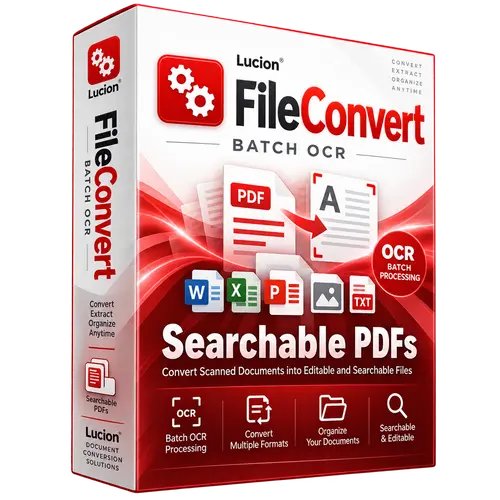
 Lucion File Convert
Brand:
Checking..
SKU:
Checking..
Version:
Checking...
Operating System:
Windows
License Type:
Serial Key
Delivery:
Screenshots:
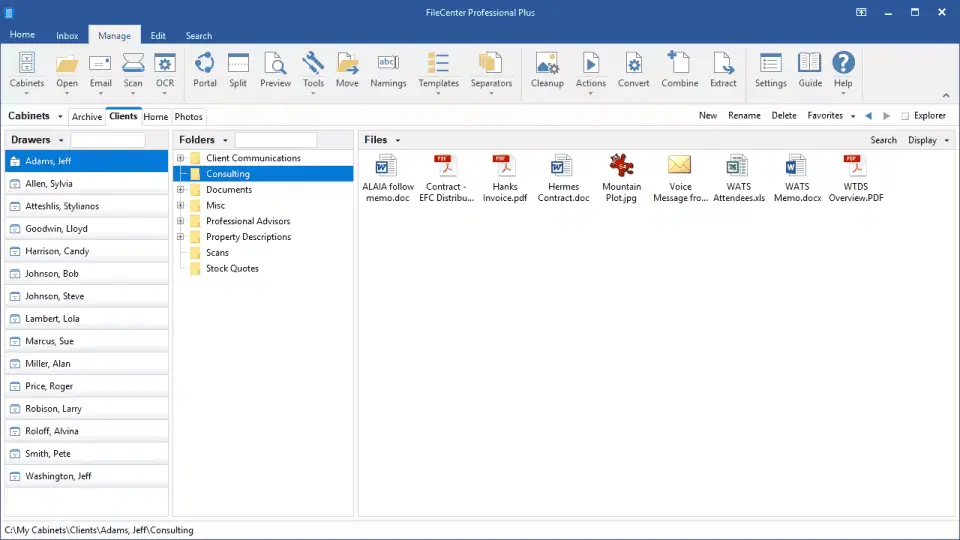
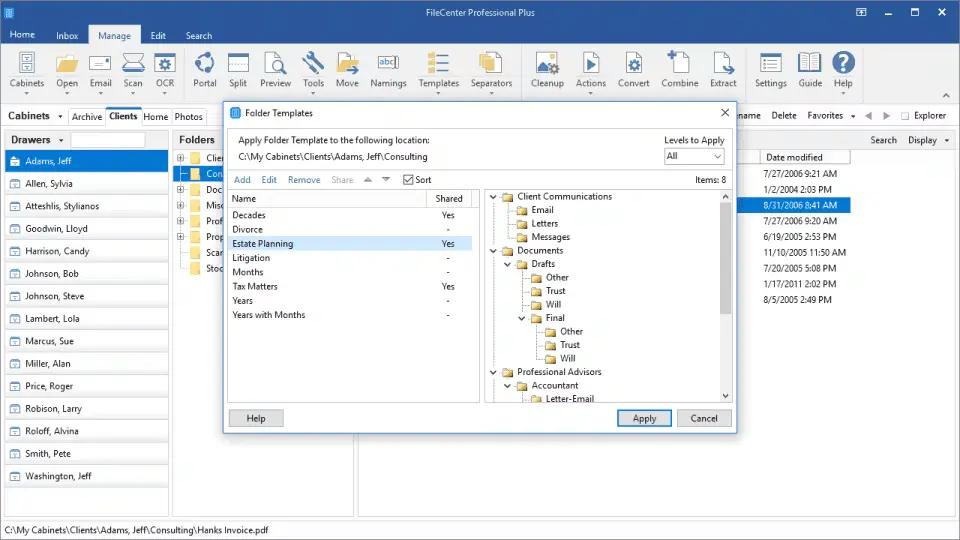
Select License:
About Lucion File Convert
Lucion File Convert is a legacy product now replaced by FileCenter Automate. The name Lucion File Convert is no longer used in current products. This software focuses specifically on file conversion to PDF, especially in large quantities (batch).
Key Features:
- Convert various file formats to PDF.
- Batch processing for time efficiency.
- Simple and user-friendly interface.
- Support for various document types.
- Conversion settings customization options.
How to Activate Lucion File Convert
-
Download Installer
Download and install Lucion File Convert.
- Open Program
- Enter License Code
- Click Next until the installation is complete
- Done
Frequently Asked Questions
How long does the delivery process take?
Delivery will be processed immediately after payment is verified and during our store's working hours.
Can it be installed on Android, Mac, and iOS?
No, Lucion File Convert only supports installation on Windows.
Do you provide usage tutorials?
No, we do not provide usage tutorials. Please visit the official website or search on Google for more information.
What if I need installation assistance?
Our admin is ready to help you via WhatsApp or email.
How long is the product warranty period?
This product comes with a 30-day warranty.
Is there a money-back guarantee?
Yes, we provide a 100% money-back guarantee if the product does not match what we sell. (Please read the Warranty Terms and Conditions for more details.)