 Almaftuchin
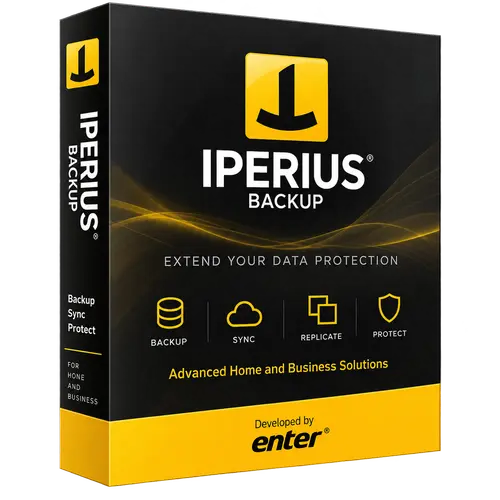
 Iperius Backup
Brand:
Checking..
SKU:
Checking..
Version:
Checking...
Operating System:
Windows
License Type:
Serial Key
Delivery:
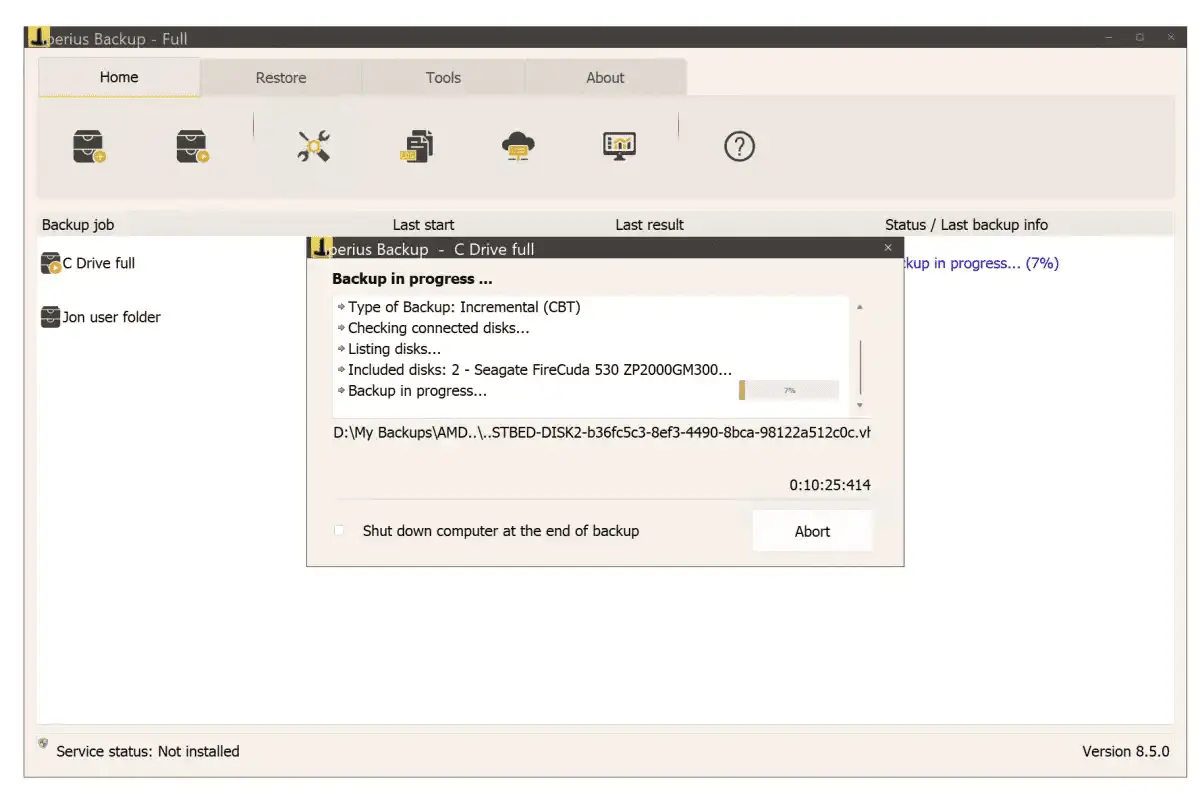
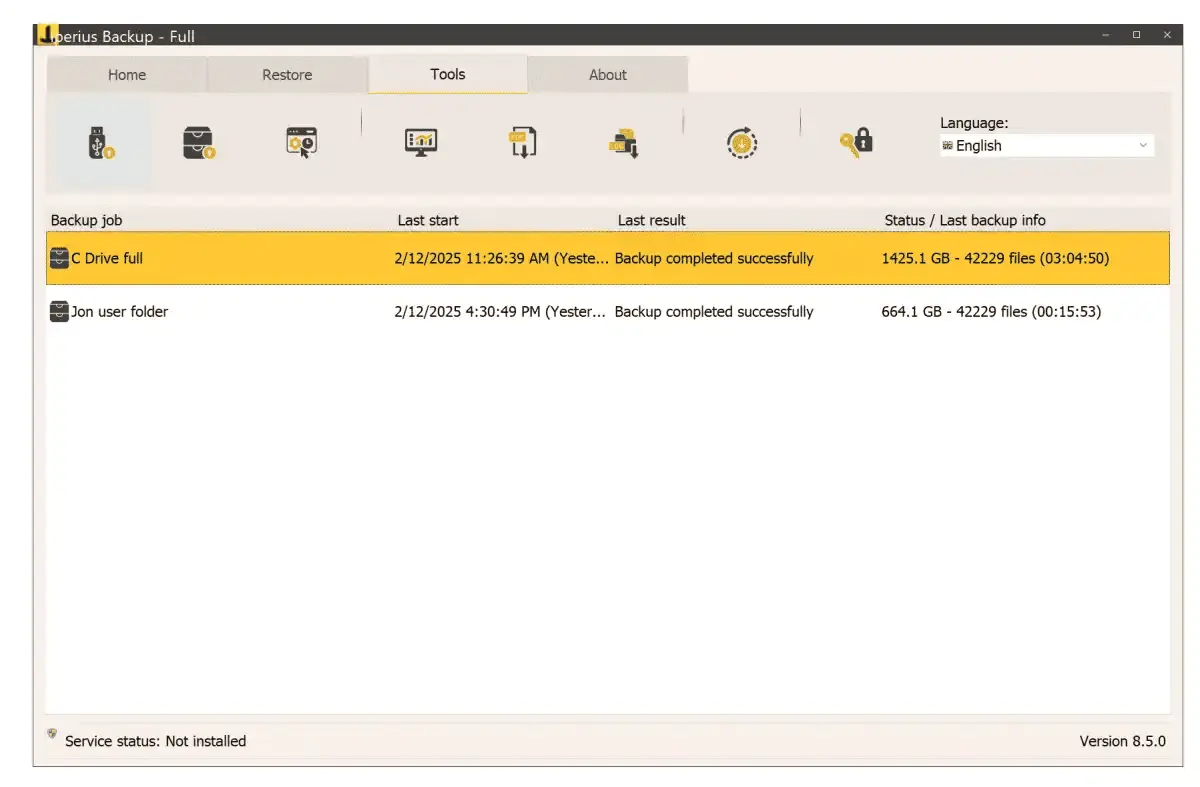
Screenshots:
Select License:
About Iperius Backup
Iperius Backup is a backup software for Windows that offers comprehensive backup solutions for PCs and servers, including both free and paid versions. This product is well-known for its flexibility, reliability, and various advanced features.
Important:
- Please write your Computer Code in the purchase notes.
How to find your Computer Code:
- 1. Download and install Iperius Backup from the official website.
- 2. Open Iperius Backup.
- 3. Click the padlock icon on the Iperius Backup window.
- 4. Copy the Computer Code and paste it into the purchase notes on the checkout page.
Key Features:
- File and Folder Backup: Iperius Backup allows backing up files and folders locally, to external drives, or to network servers.
- Cloud Backup: Supports backing up to various cloud services such as Google Drive, Dropbox, OneDrive, Amazon S3, and more.
- Database Backup: Supports backing up popular databases such as MySQL, PostgreSQL, Oracle, and SQL Server.
- Disk Image Backup: The disk image backup feature allows backing up the entire operating system, including file systems and applications.
- Encryption and Compression: Provides AES 256-bit encryption and data compression options to secure and reduce backup size.
- Automatic Scheduling: Supports scheduling automatic backup tasks according to user needs.
- Email Notifications: Sends reports and notifications via email after backup tasks are completed.
- Intuitive User Interface: Easy-to-use interface, suitable for both beginners and professionals.
- Multilingual Support: Available in multiple languages.
How to Activate Iperius Backup
-
Download Installer
Download and install Iperius Backup.
- Open Program
- Click Activate Program
- Enter License Code
- Click Activate
- Click Accept
- Restart Program
- Done
Frequently Asked Questions
How long does the delivery process take?
Delivery will be processed immediately after payment is verified and during our store's working hours.
Can it be installed on Android, Mac, and iOS?
No, Iperius Backup only supports installation on Windows.
Do you provide usage tutorials?
No, we do not provide usage tutorials. Please visit the official website or search on Google for more information.
What if I need installation help?
Our admin is ready to help you via WhatsApp or email.
How long is the product warranty period?
This product comes with a 30-day warranty.
Is there a money-back guarantee?
Yes, we provide a 100% money-back guarantee if the product does not match what we sell. (Please read the Warranty Terms and Conditions for more details.)