 Almaftuchin
 FastStone MaxView
Brand:
Checking..
SKU:
Checking..
Version:
Checking...
Operating System:
Windows
License Type:
Serial Key
Delivery:
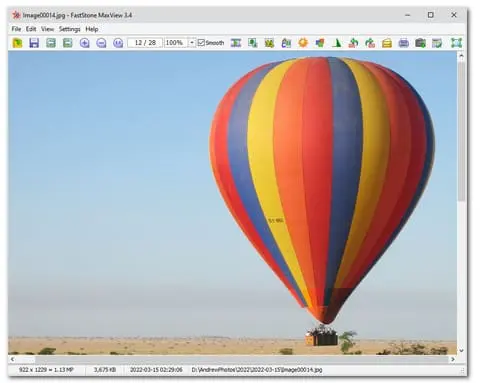
Screenshots:
Select License:
About FastStone MaxView
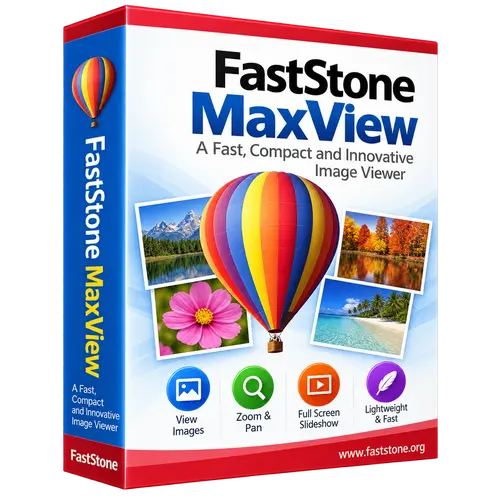
FastStone MaxView is a fast, compact, and innovative image viewer for the Windows operating system. This program is specifically designed to view images quickly and easily, featuring several unique capabilities.
Key Features:
- Compact and Fast: FastStone MaxView is a very lightweight application, meaning it does not consume many system resources. This allows you to open and view images quickly without delay.
- Wide Image Format Support: The program supports various popular image formats, including JPEG, PNG, BMP, GIF, TIFF, and many more. You can easily open almost any type of image file.
- Intuitive User Interface: FastStone MaxView features a simple and user-friendly interface. You can quickly navigate through images, zoom in or out, and perform various other actions with ease.
- Zoom and Navigation Features: The program provides powerful zoom features, allowing you to magnify image details with high precision. You can also easily navigate through images using your mouse or keyboard.
- Slideshow: FastStone MaxView allows you to create slideshows from your images. You can customize the display duration of each image and add attractive transition effects.
- Color Adjustment and Effects: The program provides various color adjustment tools and effects, allowing you to enhance the appearance of your images according to your preferences.
- Full Screen Mode: FastStone MaxView supports full screen mode, allowing you to enjoy images without distractions from other interface elements.
- Image Management: You can easily manage your image collection with provided management features, including deleting, moving, and copying images.
How to Activate FastStone MaxView
-
Download Installer
Download and install FastStone MaxView.
- Open Program
- Click Help
- Click Registration Code
- Enter License Code
- Click Register
- Done
Frequently Asked Questions
How long does the delivery process take?
Delivery will be processed immediately after payment is verified and during our store's working hours.
Can it be installed on Android, Mac, and iOS?
No, FastStone MaxView only supports installation on Windows.
Do you provide a usage tutorial?
No, we do not provide a usage tutorial. Please visit the official website or search on Google for more information.
What if I need installation assistance?
Our admin is ready to help you via WhatsApp or email.
How long is the product warranty period?
This product comes with a 30-day warranty.
Is there a money-back guarantee?
Yes, we provide a 100% money-back guarantee if the product does not match what we sell. (Please read the Warranty Terms and Conditions for more details.)