 Almaftuchin
 Cross FTP
Brand:
Checking..
SKU:
Checking..
Version:
Checking...
Operating System:
Windows
License Type:
Serial Key
Delivery:
Screenshots:
Select License:
About Cross FTP
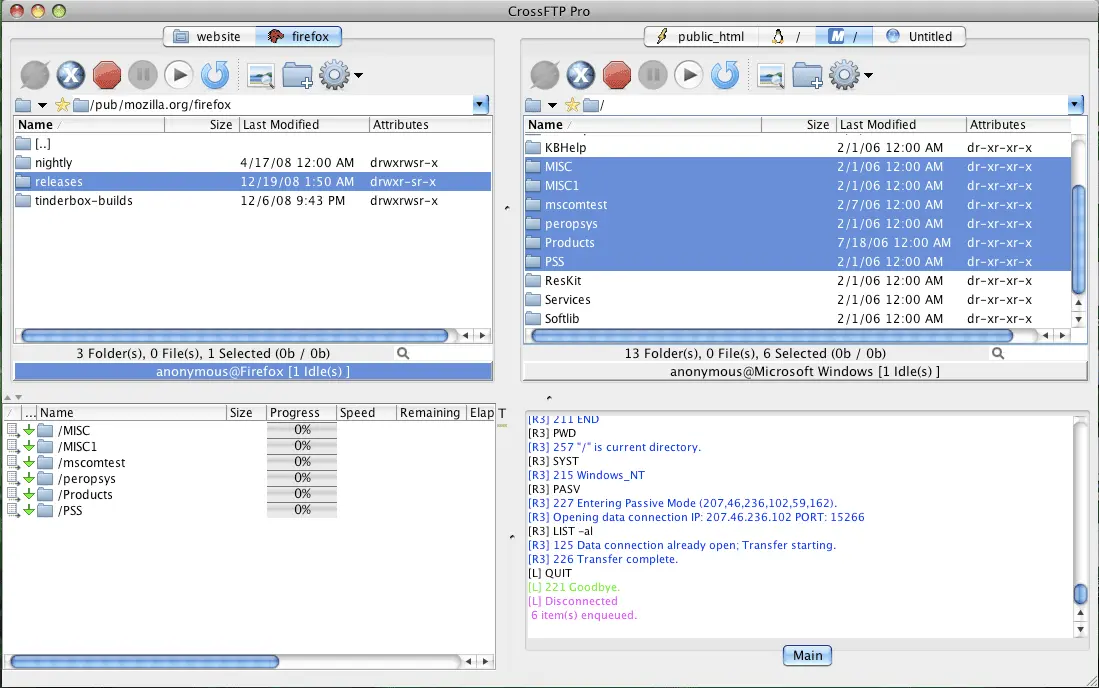
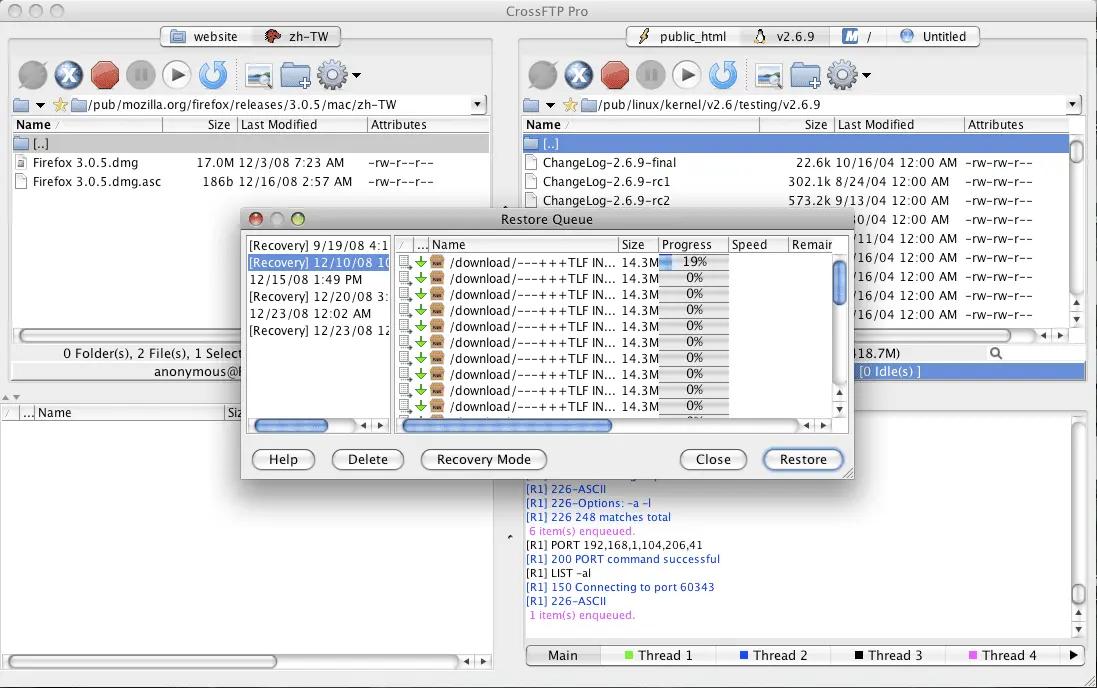
Cross FTP is a cross-platform FTP client (Windows, macOS, and Linux) that enables file transfers between computers and servers via various protocols, including FTP, Amazon S3, Google Storage, and Microsoft Azure. The program offers a traditional file browser-like user interface, featuring a left panel for local files and a right panel for remote server files.
Key Features:
- Comprehensive Protocol Support: Supports FTP, FTPS, SFTP, WebDAV, Amazon S3, Google Storage, and Microsoft Azure.
- Intuitive User Interface: Easy-to-use interface with dual panels for local and remote file navigation.
- Fast File Transfers: Enables high-speed large file transfers with support for parallel transfers.
- File Management: Features like drag-and-drop, transfer scheduling, and directory synchronization.
- Security: Support for SSL/TLS encryption for secure file transfers.
- Cross-Platform Compatibility: Available for Windows, macOS, and Linux.
- Interface Modes: Provides standard and advanced interface modes for users of various skill levels.
- Site Management: Allows storing and managing multiple FTP sites for quick access.
- Activity Logs: Provides detailed logs of file transfer activities.
- Multi-Language Support: Supports various languages for global user convenience.
How to Activate Cross FTP
-
Download Installer
Download and install Cross FTP.
- Open the Program
-
Enter Name and Email, then click Submit
If any error warning appears, click YES.
- Return to Cross FTP
- Click Help
- Click Register...
- Enter the License Code then click OK
- Restart Program
- Done
Frequently Asked Questions
How long does the delivery process take?
Delivery will be processed immediately after payment is verified and during our store's working hours.
Can it be installed on Mac?
No, Cross FTP only supports the Windows operating system.
Do you provide usage tutorials?
No, we do not provide usage tutorials. Please visit the official website or search on Google for more information.
What if I need installation assistance?
Our admin is ready to help you via WhatsApp or email.
How long is the product warranty period?
This product comes with a 30-day warranty.
Is there a money-back guarantee?
Yes, we provide a 100% money-back guarantee if the product does not match what we sell. (Please read the Warranty Terms and Conditions for more details.)