 Almaftuchin
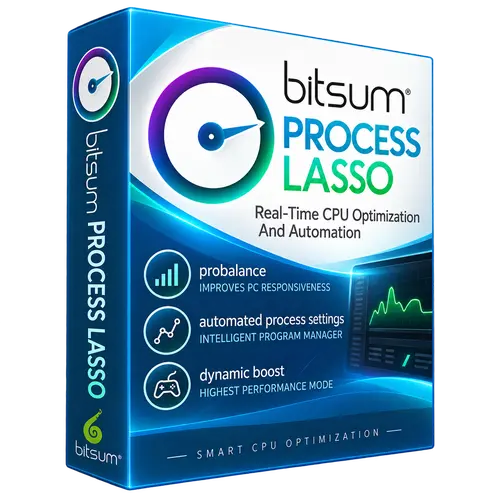
 Bitsum Process Lasso
Brand:
Checking..
SKU:
Checking..
Version:
Checking...
Operating System:
Windows
License Type:
Serial Key
Delivery:
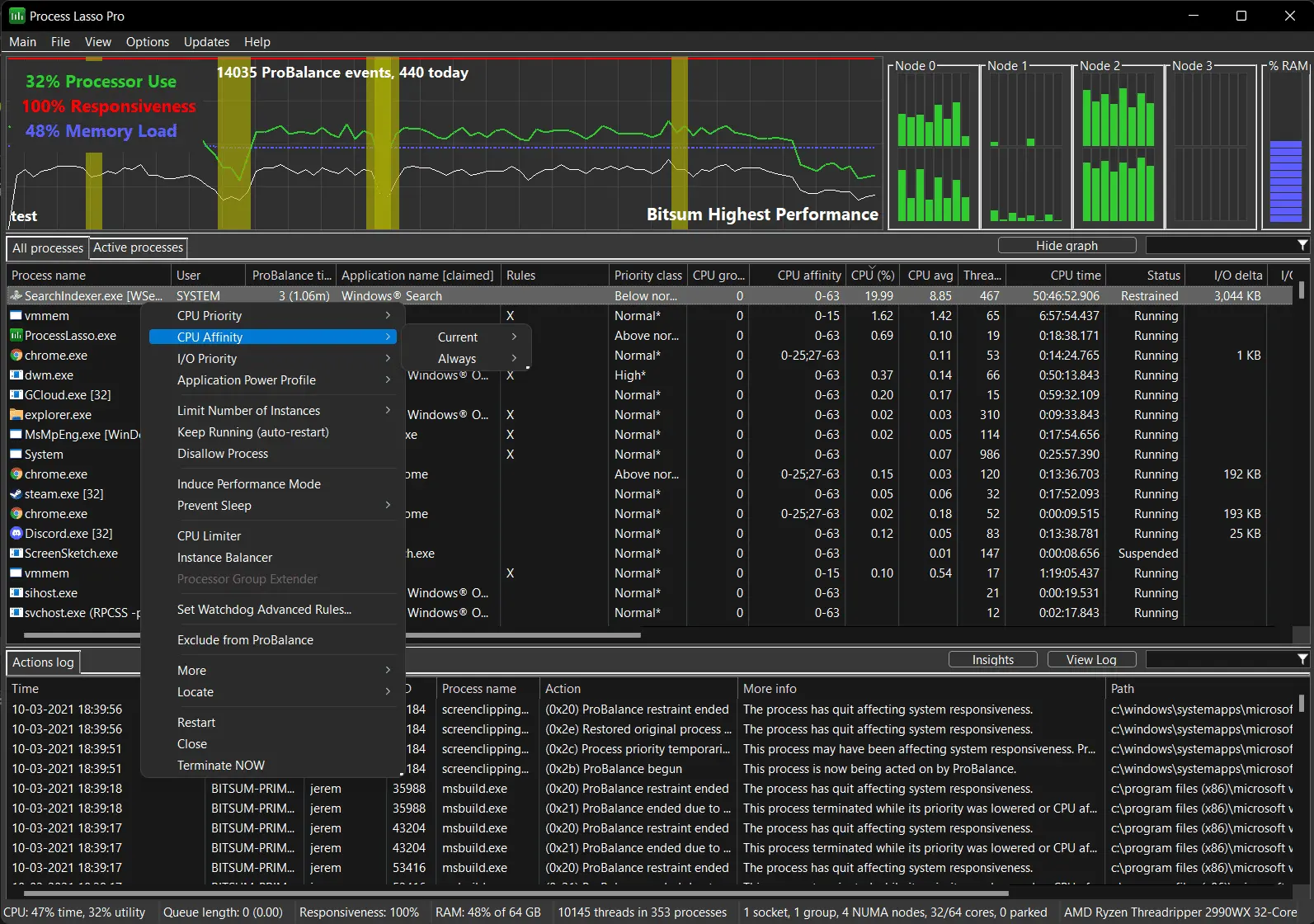
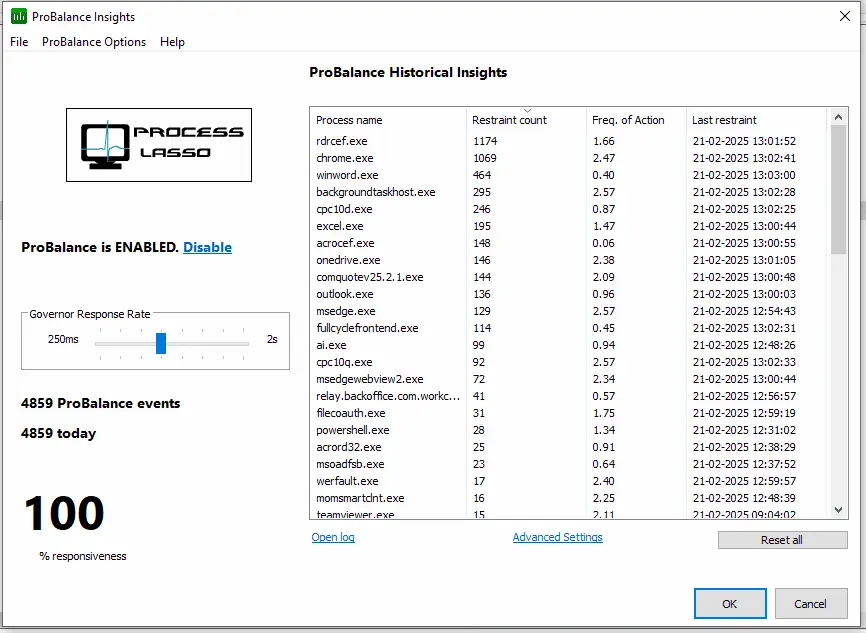
Screenshots:
Select License:
About Bitsum Process Lasso
Bitsum Process Lasso is a process management and automated optimization utility for Windows. The program is designed to improve system responsiveness and stability by controlling how processes are executed, especially when the CPU is under high load.
Key Features:
- ProBalance: This feature dynamically adjusts the priority of running processes to prevent specific applications from consuming all CPU resources, thereby keeping the system responsive.
- Process Priority Settings: Users can set custom priorities for specific processes, ensuring that essential applications get the resources they need.
- CPU Affinity Management: Bitsum Process Lasso allows users to control the CPU affinity of processes, which can help optimize performance on multi-core systems.
- High Performance Mode: This feature enables users to activate a high-performance mode that disables Windows power-saving settings, ensuring maximum performance when needed.
- Real-Time System Monitoring: Bitsum Process Lasso provides real-time monitoring of running processes, CPU usage, and other statistics, offering insights into system performance.
- Automated Process Management: Users can create automated rules to start, stop, or adjust process priorities based on specific conditions.
- Intuitive User Interface: Bitsum Process Lasso features an easy-to-use interface, allowing users of all skill levels to effortlessly manage their processes and system settings.
- Support for the Latest Windows Versions: This program is compatible with various versions of Windows, including Windows 10 and Windows 11.
How to Activate Bitsum Process Lasso
-
Download Installer
Download and install Bitsum Process Lasso.
- Close Bitsum Process Lasso from the system tray
- Copy the prolasso.key file and paste it into the installation folder
- Click Help
- Click About
- Click on the text "Thank you for purchasing Lasso!"
- Enter Your Name
- Done
Frequently Asked Questions
How long does the delivery process take?
Delivery will be processed immediately after payment is verified and during our store's working hours.
Can it be installed on Android, Mac, and iOS?
No, Bitsum Process Lasso only supports installation on Windows.
Do you provide a usage tutorial?
No, we do not provide a usage tutorial. Please visit the official website or search on Google for more information.
What if I need installation assistance?
Our admin is ready to help you via WhatsApp or email.
How long is the product warranty period?
This product comes with a 30-day warranty.
Is there a money-back guarantee?
Yes, we provide a 100% money-back guarantee if the product does not match what we sell. (Please read the Warranty Terms and Conditions for more details.)