 Almaftuchin
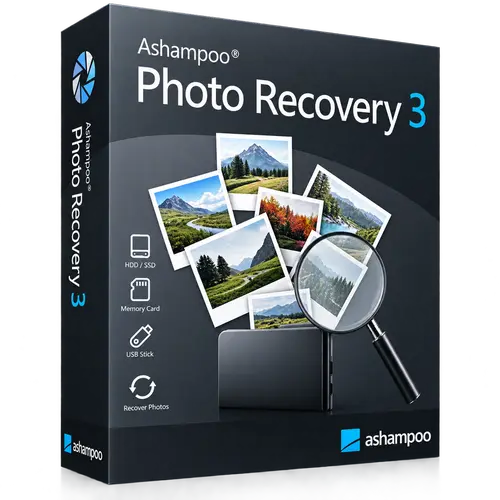
 Ashampoo Photo Recovery
Brand:
Checking..
SKU:
Checking..
Version:
Checking...
Operating System:
Windows
License Type:
Serial Key
Delivery:
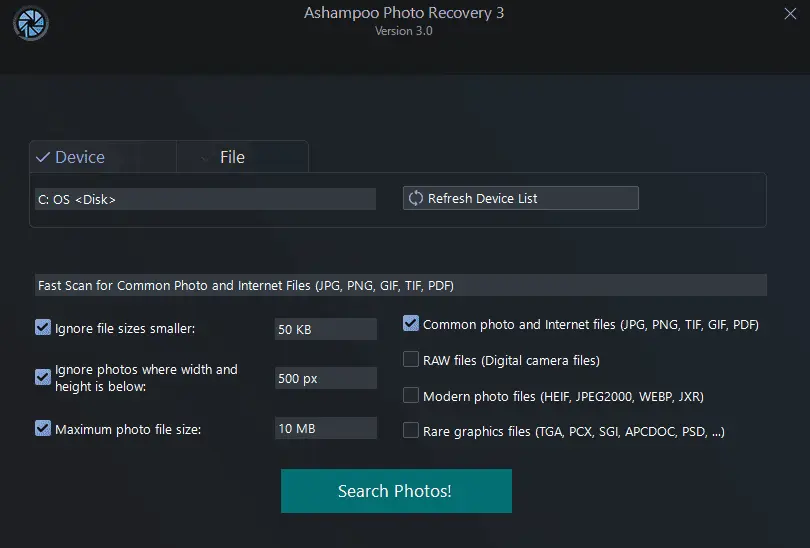
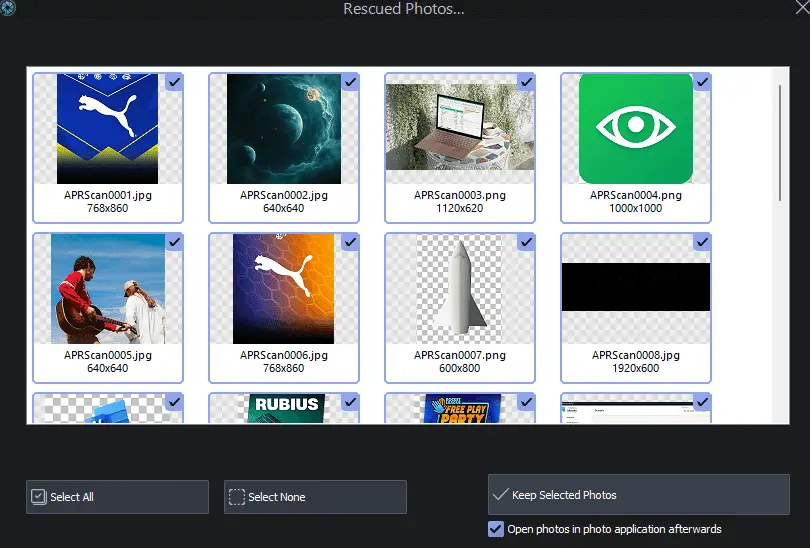
Screenshots:
Select License:
About Ashampoo Photo Recovery
Ashampoo Photo Recovery is Windows software used to turn photos into personalized greeting cards for various occasions, featuring tools to add frames and text in just a few clicks.
Key Features:
- Greeting Card Creation: Turn photos into personalized greeting cards for various occasions.
- Frames and Text: Add decorative frames and custom text to your cards.
- Intuitive Interface: Easy-to-use design to create cards quickly.
- Diverse Templates: Choose from various templates for different occasions.
- Easy Customization: Customize card designs to your liking.
- Export and Print: Save cards in digital format or print them directly from the app.
How to Activate Ashampoo Photo Recovery
-
Download Installer
Download and install Ashampoo Photo Recovery.
- Open the Program
- Enter License Code
- Click the Activate Now button
- Done
Frequently Asked Questions
How long does the delivery process take?
Delivery will be processed immediately after payment is verified and during our store's working hours.
Can it be installed on Mac and iPhone?
No, Ashampoo Photo Recovery is only available for Windows.
Do you provide usage tutorials?
No, we do not provide usage tutorials. Please visit the official website or search Google for more information.
What if I need installation assistance?
Our admin is ready to help you via WhatsApp or email.
How long is the product warranty period?
This product comes with a 30-day warranty.
Is there a money-back guarantee?
Yes, we provide a 100% money-back guarantee if the product does not match what we sell. (Please read the Warranty Terms and Conditions for more details.)